How Effective Leaders Use Technology Intentionally

How Effective Leaders Maximize Productivity • Part 3
Is your tech helping or hindering?
You have apps for everything — focus, notes, tasks, meetings — but are they actually helping you work better, or just keeping you busy?
It’s a sad fact that sometimes the very tools meant to simplify life are quietly making it more complicated!
It’s time to make technology work for you, not against you.

The hidden cost of too many tools
Technology promises to increase your efficiency, but many leaders find themselves managing tools more than leading people.
Every new app adds another inbox, another alert, another place to check.
What started as an effort to stay organized turns into constant switching between platforms. That leads to draining focus and creating digital clutter.
I love new tools! But I’ve learned that every added tool requires maintenance — updates, notifications, integrations — and if you’re not intentional, it adds friction instead of clarity.
The problem isn’t technology itself. It’s how scattered systems fragment your attention and bury your priorities under layers of apps.
Simplify your tool stack
The first step to reclaiming focus is clarity. Ask what each tool really does for you.
If it doesn’t directly support clarity, communication, or execution, it’s clutter. You don’t need every feature, attractive though they may be! You need the right few that line up with how you lead.
Every leader needs three core systems:
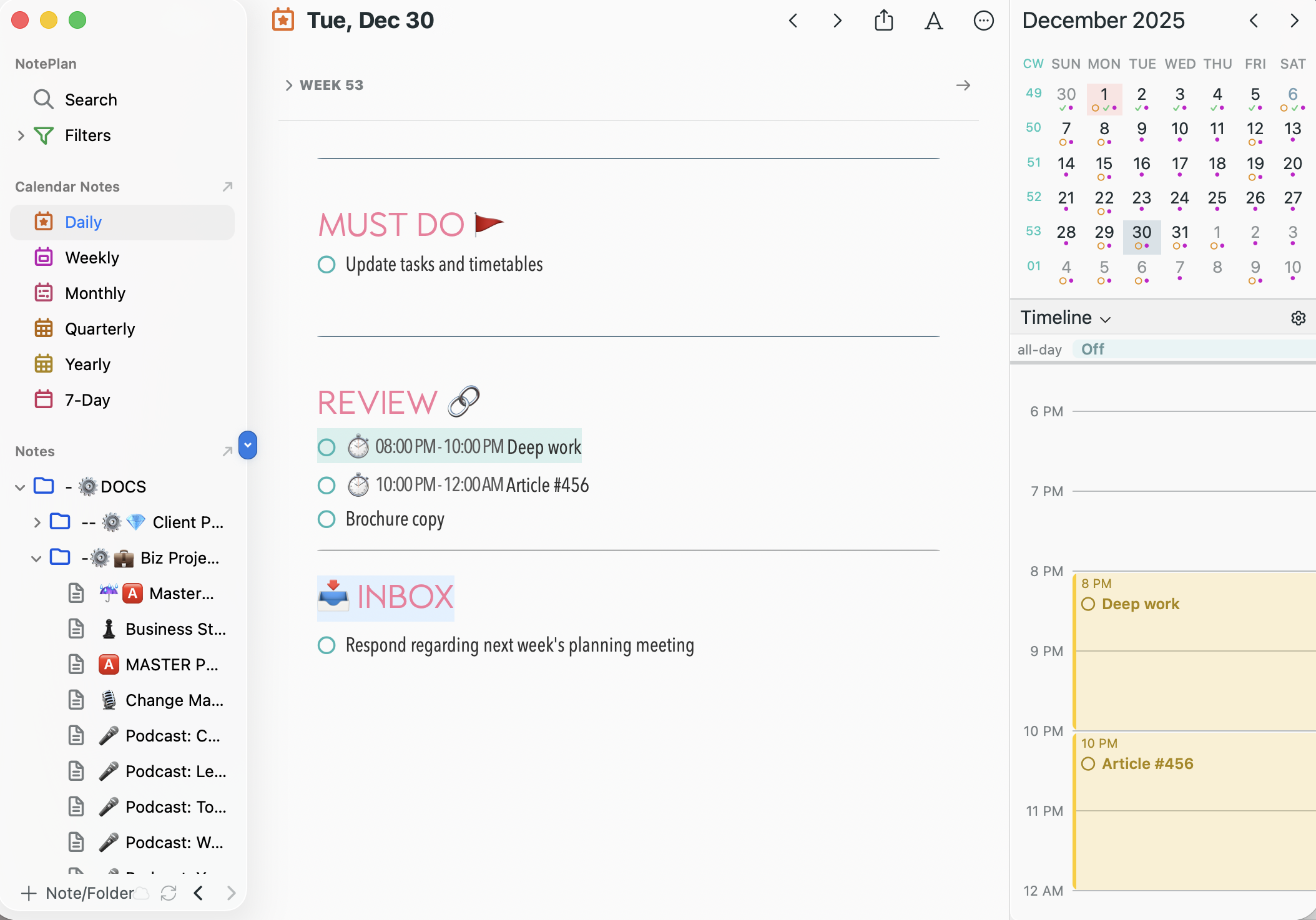
1. A task system to track what needs to be done.
2. A calendar system to schedule what matters.
3. An information system for notes and files.
Keep these simple and, ideally, connected. Some use integrated tools like Google Workspace or Microsoft 365. My personal farovite is Noteplan, which I absolutely love because it integrates everything all in one place and even syncs with Google calendar! Not to mention there’s the ability to do customization, so of course, I add lots of colors. I love color!
The key is not which tool you use, but that each has a clear role and communicates well with the others.

Build a rhythm that fits your work
Technology becomes powerful when it fits a rhythm.
Decide when to check messages, when to plan, and where your information lives. Avoid mixing communication with storage or planning — that’s how messages get lost and tasks slip through the cracks.
Consistency creates clarity. If your team knows which channel to use for updates, where to find documents, and when to expect responses, you eliminate confusion.
Tools don’t create discipline though they do support it. It’s the habits and rhythms that you implement that make the biggest impact.
Use technology to amplify, not replace, leadership
Technology can enhance communication but never replace connection. Don’t let screens stand between you and your team.
Automate what’s repetitive, but stay present where relationships matter.
When your systems are clear and your tools serve defined purposes, you free your mind to focus on what truly requires leadership — people, priorities, and progress.
Intentional technology isn’t about using less; it’s about using it on purpose. Simplify your systems, define your rhythm, and lead with focus!

Ready to take back control of your time?
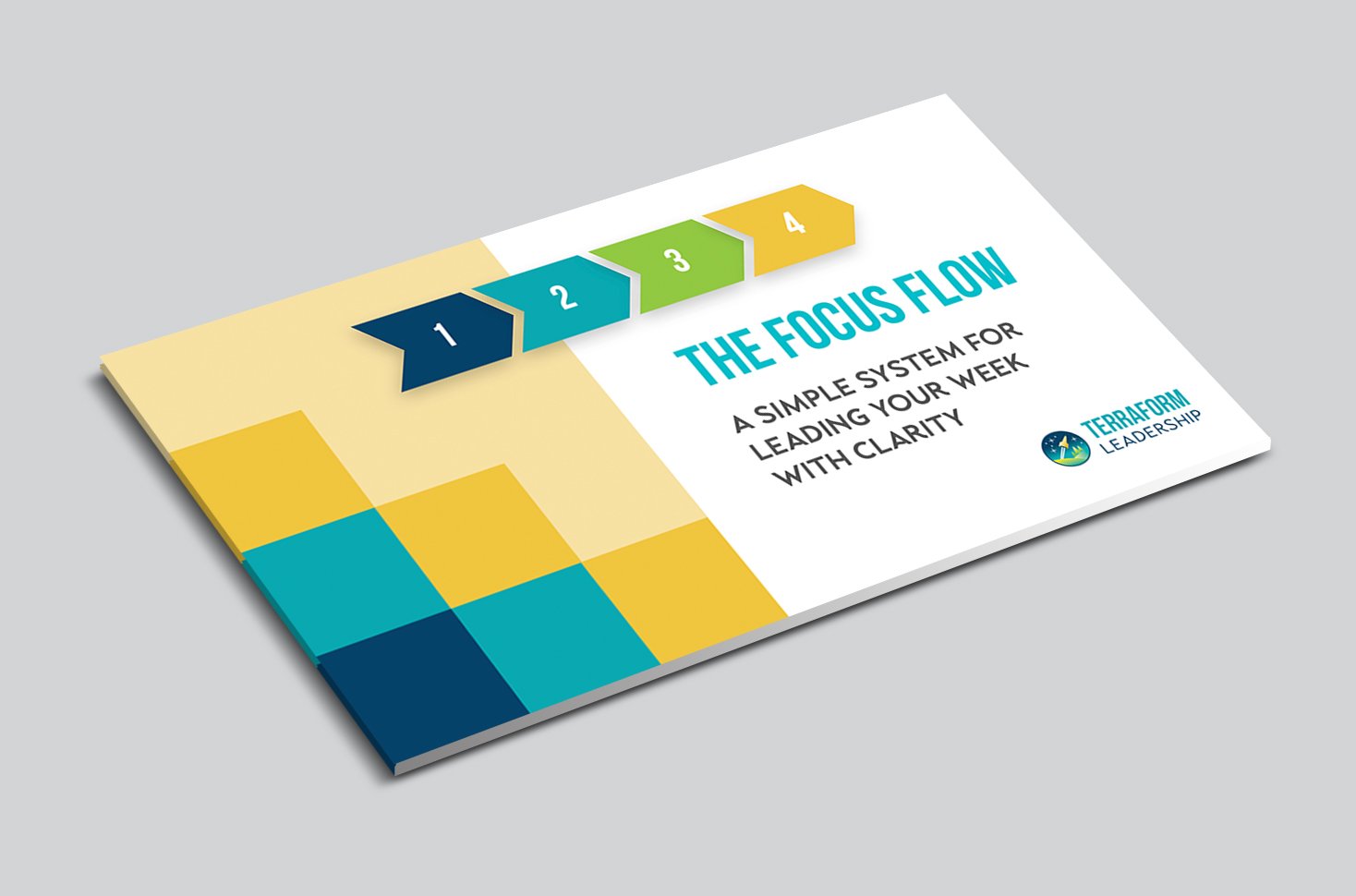
If you want practical tools to simplify your systems and build a rhythm that keeps you focused, download my free guide “Smart Systems for Leaders.”
It’ll help you cut through the noise, reclaim your schedule, and lead with more clarity and confidence.